If you have spent ours on Sky Q trying to find out how to toggle between two channels, usually when sport is on, which used to be easy on the old Sky Remote, then I have finally found the solution for you, and it is very simple you will be pleased to hear.
Once you have watched one channel, then the next one you want to toggle between, all you need to do is to press the upper right side of your Sky Q remote black centre dial as shown below:
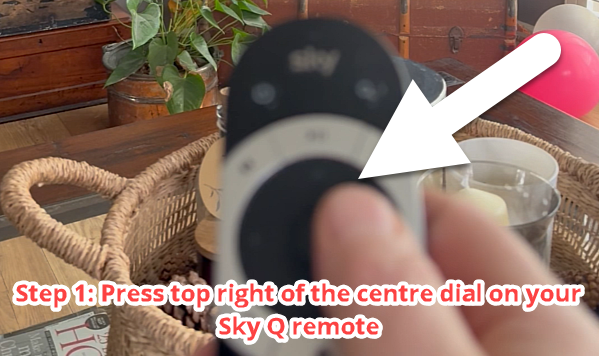
This brings up the previous channel that you were watching.
Then just press the centre circle of the same black centre dial on your Sky Q Remote to watch that channel:
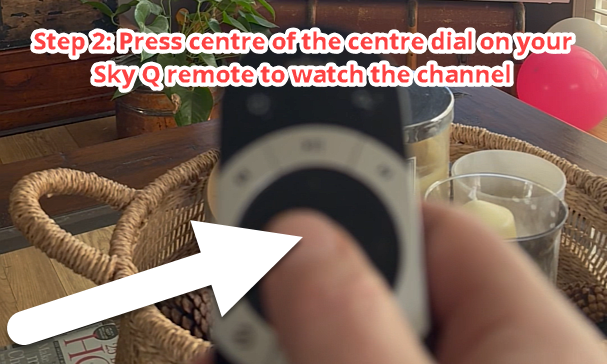
Keep doing this each time you want to toggle between the two challens on your Sky Q and the world is your lobster (as they say, well, almost).
Or watch this short for more information: